A powerful File Manager and Media Cleanup toolkit for the Umbraco 16+ backoffice. Browse, upload, download, edit, preview, rename and delete server files — and scan the media library to recycle, restore or delete unused, broken, duplicate, orphaned, large and disallowed media.




-green.svg)

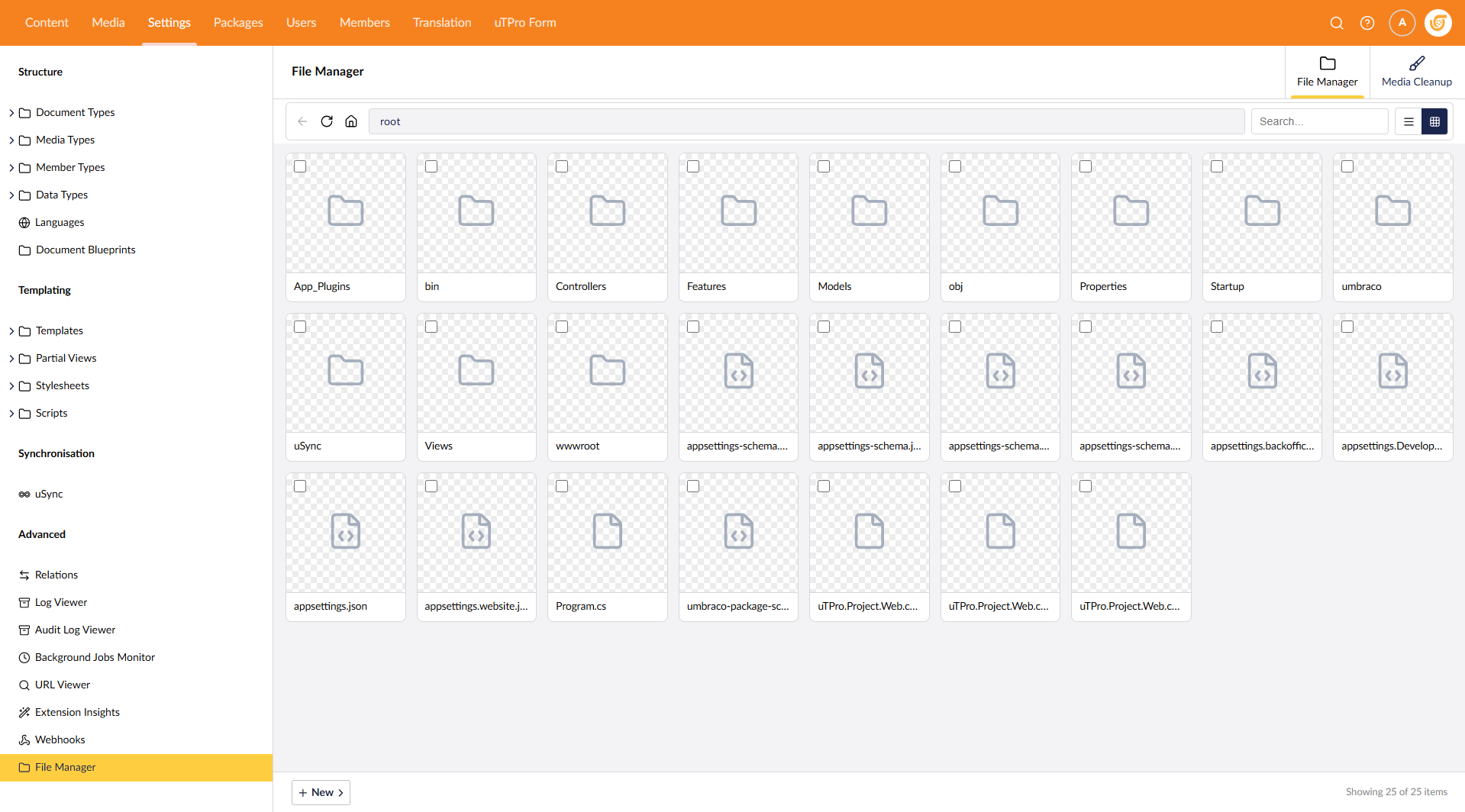
- Windows Explorer-style file browser with breadcrumb navigation
- Upload, download, create, rename, delete, extract ZIP, import via URL
- Built-in Monaco code editor with syntax highlighting
- Media preview (images, video, audio, PDF)
- Multi-root "Locations" support
- Media Cleanup — scan for unused, broken, duplicate, orphaned, large, disallowed media
- Bulk actions, smart duplicate cleanup, preview before action
- Role-based security: Admin / Settings / Sensitive Data
- RCE guard, SSRF protection, path traversal protection
dotnet add package uTPro.Feature.FileManagerNavigate to Settings → File Manager. No configuration needed.
| Umbraco | .NET | Target |
|---|---|---|
| 16 | .NET 9 | net9.0 |
| 17 & 18 | .NET 10 | net10.0 |
Under uTPro:Feature:FileManager in appsettings.json (all optional):
| Key | Default | Description |
|---|---|---|
MaxUploadSizeMB |
50 |
Max upload size |
MediaLargeFileThresholdMB |
100 |
Large file threshold |
MediaScanCacheSeconds |
30 |
Scan cache duration |
Roots |
[] |
Multi-root locations |
docs.utpro.dev/uTPro.Feature.FileManager
Free to use (including commercially) under a proprietary End User License Agreement.
📦 NuGet · GitHub · Umbraco Marketplace